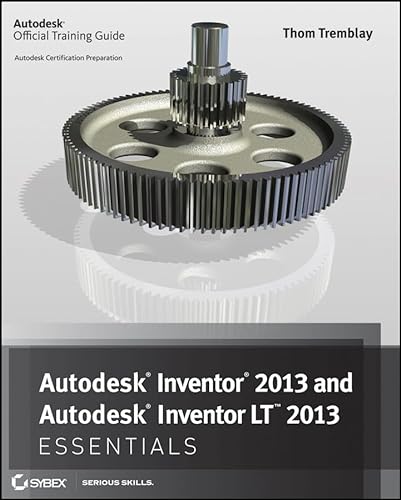
Get up to speed with Autodesk Inventor, the leading manufacturing design program
This Autodesk Official Training Guide thoroughly covers the fundamentals of Autodesk Inventor 2013 and Inventor LT 2013. Focusing on basics such as using the interface, creating parts and assemblies, applying standards and styles, creating 2D drawings from 3D data, and more, it teaches you everything you need to become quickly productive with the software. Whether you're a new student learning CAD, preparing for certification, or updating your Inventor skills, this is the fast, thorough grounding you need.
- Features approachable, real-world, hands-on exercises and additional task-based tutorials
- Teaches you how to create 2D drawings from 3D data, model parts and assemblies, apply standards and styles, and work with sheet metal parts and create plastic parts
- Explains how to blend parts and assemblies into weldments, create images and animations from your design data, and work with non-Inventor data
- Helps you streamline tasks with design automation tools
The book's concise discussions and real-world tutorials make it the perfect resource for manufacturing design professionals and students needing to quickly learn the software.
About the Author
Thom Tremblay is on the Autodesk Global Education team and is an Inventor Certified Professional and an Autodesk Certified Instructor. He has been using Autodesk software for over 25 years to design everything from cabinets and castings to ships and video monitors. Thom has close ties to the Inventor community; is a frequent speaker at training centers, colleges, and universities; and presents at Autodesk University every year.