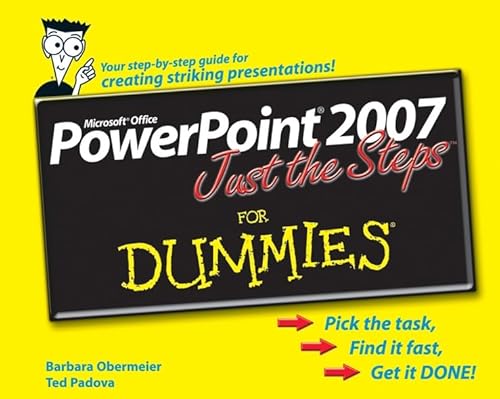
When you’re trying to harness the power of PowerPoint, you don’t want to wade through lots of background and definitions; you want to make things happen!
Power Point Just the Steps for Dummies puts your hands and eyes to work immediately so you can finish any PowerPoint project in a flash. Just choose your task, follow the step-by-step instructions and vivid illustrations, and POOF! It’s done. In seconds, you’ll be:
- Creating a new presentation
- Resizing or moving an object
- Duplicating a slide
- Using the outlining toolbar
- Adding notes to a slide
- Printing your presentation
- Setting up a slide show
- Working with pictures and clip art
- Coloring text and objects
- Modifying the slide master
- Creating a template
- Inserting a diagram or chart
- Adding sound and video
- And more
Whether you’re new to PowerPoint, pressed for time, or visually oriented, this get-it-done guide will help make your next PowerPoint presentation look like a work of genius!
Barbara Obermeier is principal of Obermeier Design, a graphic design studio in Ventura, California. She's the author of
Photoshop CS2 All-in-One Desk Reference For Dummies and has contributed as author or coauthor on numerous computer graphics books. Barb is also a faculty member in the Visual Communication Department at Brooks Institute in Ventura.
Ted Padova is the author of more than 25 computer books. He writes primarily on Adobe Acrobat, Adobe Photoshop, Photoshop Elements, and Adobe Illustrator. He is a nationally and internationally known speaker on Adobe Acrobat and digital imaging.